

How SuiteCommerce to Shopify Migration Accelerates Growth?
WB
WebBee Team
eCommerce Specialists
Is SuiteCommerce draining all your eCommerce revenue? Are you planning to migrate to a more affordable platform that can help you save more? If you are looking for a platform that is efficient yet economical, Shopify can be the answer to all your questions. In this blog, we will figure out the reasons for the same and help you navigate through the benefits and challenges of migration from SuiteCommerce to Shopify. Without further delay, let’s get started:
Let us analyze whether it is worth it to make a transition from SuiteCommerce Advanced to Shopify and what benefits it can offer:
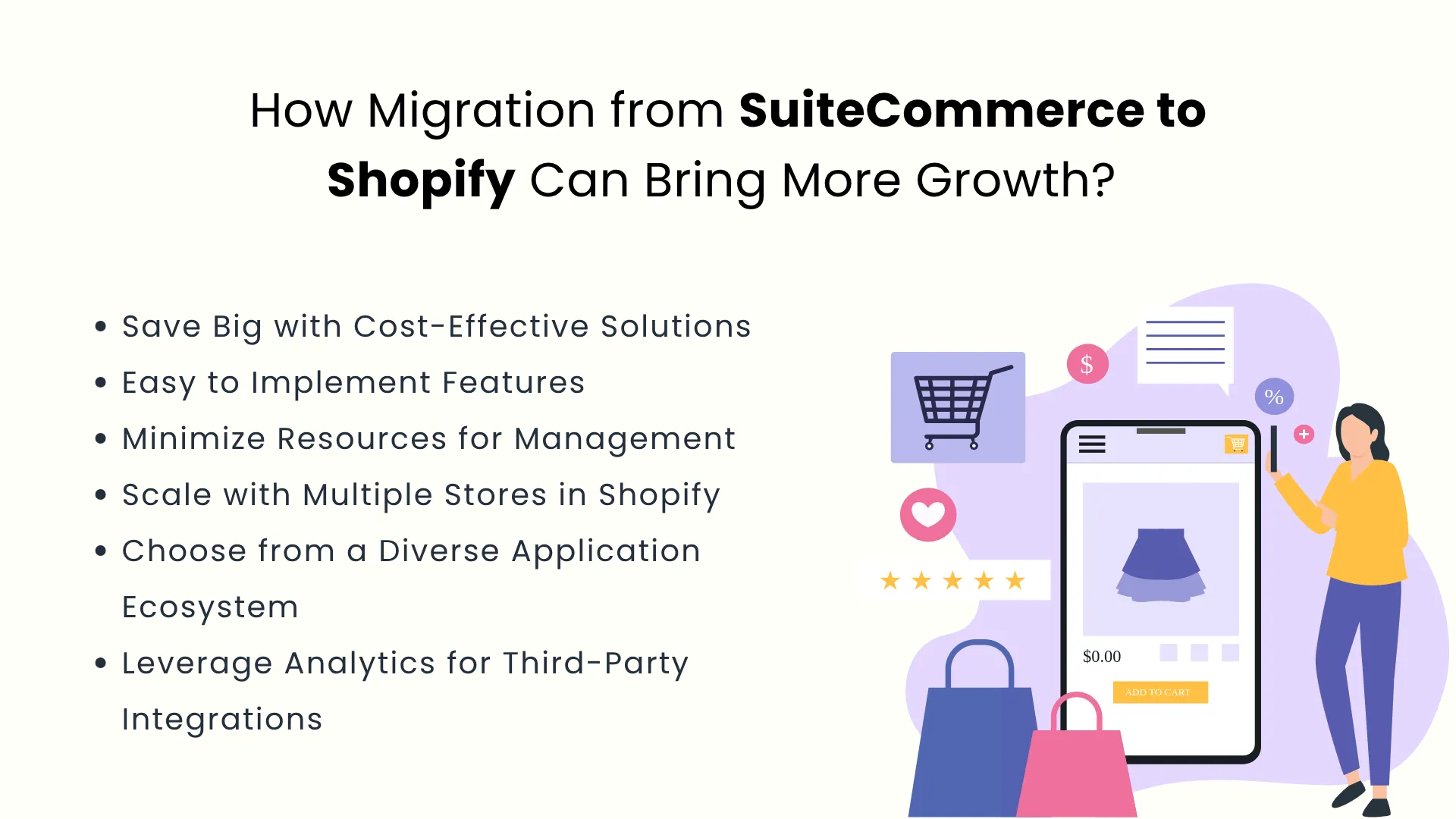
SuiteCommerce offers features for a comprehensive solution to enhance e-commerce operations. However, it is more expensive, and hence, it is not a viable option for all the sellers. Shopify offers a more affordable solution that provides the same functionalities at a lower price.
SuiteCommerce has useful and advanced functionalities, but implementing them is quite complex. This is where Shopify is a clear winner because it offers easy implementation of all of its features that keep sellers’ peace of mind intact.
Since Shopify offers easy implementation of its functionalities, its management becomes easier, and hence, it does not require many resources. Therefore, migrating to Shopify has dual benefits - first, less maintenance, and second, fewer resources.
Sellers who want to scale faster can do so by creating multiple stores for various products. This is an effective way for sellers to scale at a rapid pace, provided it is easier and does not require much financial investment. Shopify offers both these advantages, and hence it is a much better option for sellers who are looking to scale with multiple stores.
Shopify has a great ecosystem of various applications that help Shopify store owners enhance their operations. It is easy to integrate these applications with Shopify as they do not require much technical expertise.
SuiteCommerce has advanced analytics, but the issue is that it is developed for the NetSuite environment. This means that the sellers would be limited to NetSuite and cannot go beyond its ecosystem, and this is where Shopify stands out. It offers flexibility to connect with third-party applications that help sellers operate better and even save a significant amount of money.
The migration process requires expert guidance as it is data sensitive and includes many steps. Let us have a look at this procedure:
So, to begin the migration journey, the first step is to assess the seller's current SuiteCommerce account. This is where experts identify all potential risks that may occur while migrating data. In this regard, they even make a strategic plan to do a data backup of all the critical information available in the SuiteCommerce account. This ensures that no important data is lost, so sellers can have a seamless experience without affecting the business.
This is the next step in the migration journey, where they create a Shopify store by choosing appropriate themes and prepare it for importing data from SuiteCommerce, which involves certain configuration.
Now this is the major step where data migration takes place, and all the important data is transferred, including the product information, customer data, and others. Migration tools can be used for this purpose, and the data is created in CSV files, which are reviewed further to ensure accuracy.
After all the data is transferred, the Shopify store is customized according to the requirements. It includes setting up navigation so it is easy to locate products, and customizing checkout options to make the payment process hassle-free.
Finally, it is time to check all customizations and migrated data to verify if everything is functioning properly. This also includes testing the store with various functionalities, mobile optimization, and performance.

Migrating from NetSuite SuiteCommerce to Shopify may come with drawbacks, but they are just temporary. Let’s see some of these challenges and what solutions can be implemented to overcome them:
This can be scary for sellers, as a higher ranking corresponds to more sales, and when this ranking is affected, it may drop product sales. But do not worry! This can be managed easily with 301 redirects that maintain ranking and avoid broken links.
Sellers may experience technical errors while transition from SuiteCommerce to Shopify, but they can seek technical guidance from experts to resolve their issues quickly.
When a seller makes a transition, all the themes that reflect branding may not be migrated directly, and hence, it may require additional efforts to redesign certain pages as per the branding theme.
A Shopify store can be integrated with multiple applications to enhance operations and save costs, but these integrations require efficient management. This can be a little problematic for sellers as they would have to invest their time, but this issue can be easily resolved by integrating the Shopify store with an efficient connector. It can automate order processing and manage fulfillment or 3PL integrations.
Though Shopify offers many benefits to the sellers, which influence them to migrate from SuiteCommerce to Shopify, they still want to leverage the unmatched NetSuite functionalities for managing eCommerce processes. WebBee helped The Elegant Office develop a smart business strategy that reduces operating costs while achieving tremendous growth. WebBee, first of all, helped them migrate by importing product and customer data from SuiteCommerce to Shopify smoothly. Furthermore, they integrated Shopify to NetSuite ERP through Robust NetSuite Integrator by WebBee. This way, they could leverage the super-easy functionalities and popularity of Shopify for enhancing their business sales, and the advanced features of NetSuite for managing their e-commerce operations. WebBee helped them execute and automate NetSuite functionalities to track and sync inventory and orders in real time effectively.

Both SuiteCommerce and Shopify are robust platforms for e-commerce sellers. They both have advanced functionalities that make the operations more efficient. However, SuiteCommerce is constrained to the NetSuite ecosystem, which offers reliable and fast performance but at a higher cost. Shopify provides the same functionalities and even enhanced, at a much lower price. Hence, if you are looking forward to syncing from SuiteCommerce to Shopify, WebBee is here to assist you. We offer excellent migration services to ensure a smooth transition for sellers. Not only this, if Shopify store owners need an efficient integrator to manage multiple integrations, we offer excellent Shopify integration services too.
So what are you waiting for? Contact Us today and explore our migration and integration services.

.svg)