

How to Sell on Flipkart While Using Amazon MCF
WB
WebBee Team
eCommerce Specialists
In the modern world, everything moves around how quickly users can get what they desire. All because of e-commerce, which is growing today in the online shopping environment. Those are Amazon, Flipkart, TikTok Shop, Shopify, & many more, which have changed the shopping experience for remote & interested users. But knowing how to sell effectively on these channels is vital for business growth. No matter if you are just starting or have experience, proficiency in these platforms can create new opportunities.
In this blog, let’s understand the complete process of how to sell on flipkart using Amazon MCF& FBA, helping you establish a profitable business. So, let's begin!
It is India’s supreme e-commerce platform, renowned for its robust presence in the Indian market. With more than 150 million active users, it is mainly valuable for sellers focusing on Indian users. Let’s look at a few perks of selling on Flipkart:
Being one of the biggest e-commerce channels in the world, it has a wider user base. It provides sellers access to reach millions of prospective customers across varied categories. Let’s explore some of the great advantages of selling on Amazon:

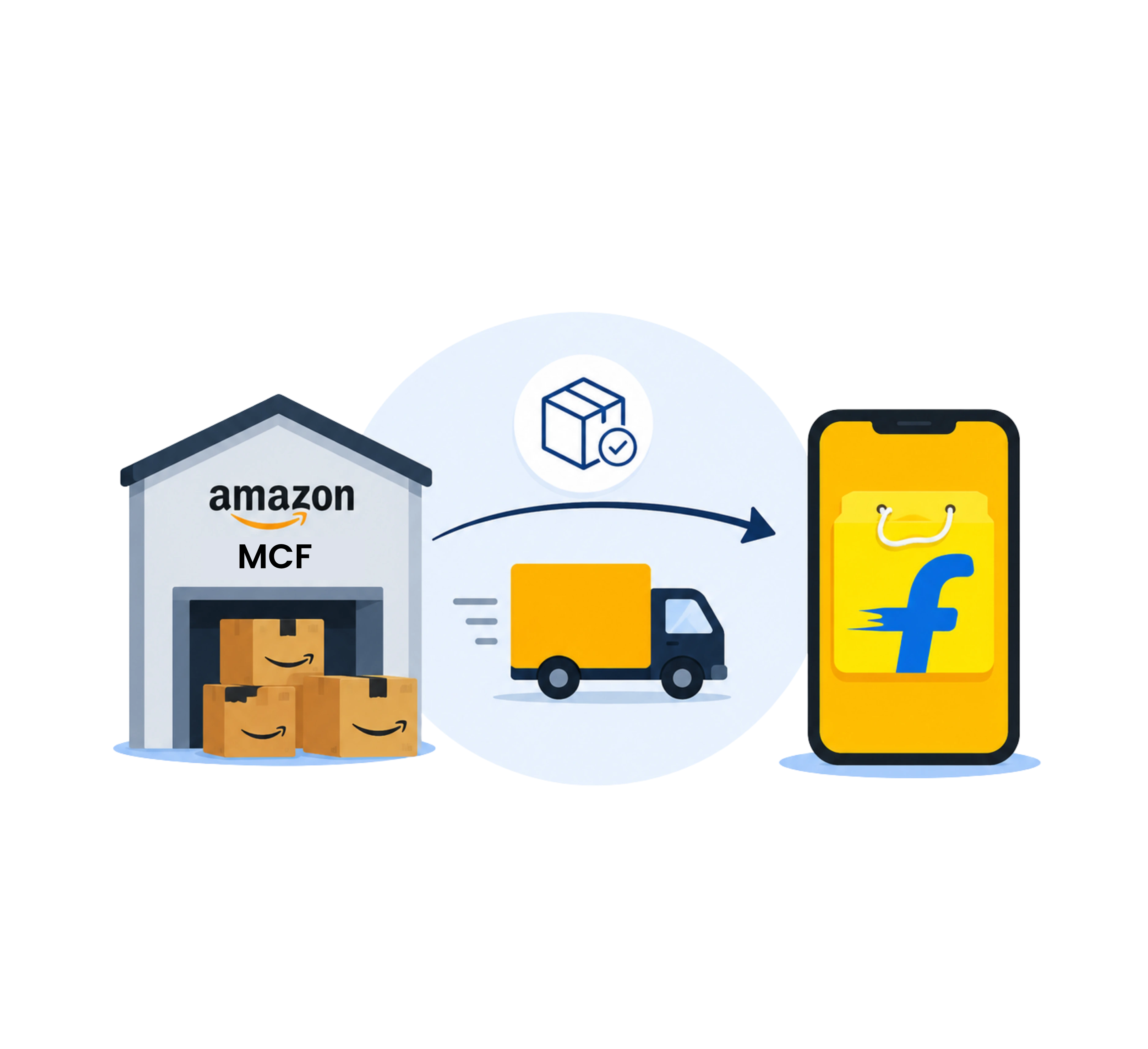
Orders placed from Flipkart are automatically given to Amazon MCF/ FBA, where they are packed, picked, shipped, & delivered. Tracking information is automatically sent back to Flipkart.
Using MCF or FBA’s architecture for quick, more flexible delivery times for Flipkart users, which can enhance seller ratings & lessen customer inquiries.
Faster fulfillment leads to fewer cancellations & better performance on Flipkart, maximizing the probability of protecting the Flipkart Assured badge.
Integrated systems permit a consolidated inventory to be handled and sold across both platforms, lessening the chance of overselling.
Sellers can simply expand their business to manage high order volumes at the time of peak events such as Big Billion Days without requiring to scale their own warehouse or staff.
While FBA has fees, it can lessen the overhead costs related to managing staffing, private warehousing, & last-mile delivery logistics, mainly at scale.
In both seller dashboards, choose your products & pick the MCF or 3rd-party fulfillment like WebBee to fulfill your orders on Flipkart. This transforms your inventory to Fulfilled by Platform.
Selling on Flipkart & Amazon presents amazing opportunities for firms of any size. By understanding how every channel operates & using smart marketing & pricing approaches, you can establish a successful e-commerce business.
With the correct strategy, these channels can support you to reach several potential buyers & expand your business effectively. Begin your journey now and know the full potential of e-commerce!
1. Is it worth selling on Flipkart?
Selling on Flipkart will be profitable, but it needs right pricing, high-demand products, & low return rates, to overcome competition & fees.
2. Do I require a GST number to sell on Amazon?
Yes, a GST number is mainly necessary to sell on Amazon India for several products.
3. What are common mistakes Flipkart sellers avoid?
Flipkart sellers avoid mistakes like incorrect inventory planning, poor listing optimization, ignoring user feedback, & pricing strategies.
.svg)