

How NetSuite Tax Handling Solves Transaction Challenges?
WB
WebBee Team
eCommerce Specialists
Every business involves financial transactions, and in accordance with this, they have to pay certain taxes. This can be a huge challenge for them, especially if they operate in multiple countries. Here comes NetSuite, which has unique functionalities that make this process easy for all types of businesses. Let us have a closer look at the basics of tax management and how NetSuite functionalities help in the same. If you are worried about the complexity of implementing them, do not worry. We have a surprise for you at the end of this blog that will enhance your NetSuite integration. So stay tuned!
We all know that all businesses earn profit by selling products and services to customers. They pay various taxes according to the government rules in the country they operate. These tax structures are often quite complex and require resources to manage them effectively. Now when it comes to E-commerce businesses, things get even harder, as they operate in multiple nations and have to comply with various laws related to taxes. This can be a limitation for many digital retail store owners to expand internationally. Even if someone does not want to go beyond the borders, handling taxes itself is quite a cumbersome task. Here comes NetSuite tax management, which makes tax handling quite easy and smooth.
NetSuite primarily uses two software for handling taxes for businesses. These are:
Generally, Legacy Tax is used by businesses whose sales are often exempt from tax. Since eCommerce is not exempt from taxes, Suite Tax becomes a better choice. Sellers can configure it accordingly and make necessary adjustments as required. However, they need to remember that once they opt for Suite Tax, it cannot be disabled because it is not reversible. It completely changes the overall tax management of the business, hence, it offers a holistic tax solution for the organizations. Also, any business entity using Legacy Tax software can easily migrate to Suite Tax by making simple configurations.
So, before understanding the tax implications, let us first look at the classification of items on a tax basis and how customers are classified on an order basis. Firstly, there are two categories of tax schedules, S1 and S2, under which the items are listed. S1 is called the taxable schedule, and taxable items are listed under this. Similarly, S2 is referred to as a non-taxable schedule, and therefore, non-taxable items are listed under this.
Now let us talk about customers. They are categorized into two types: Taxable customers and non-taxable customers. The taxable customers are the ones that have both taxable and non-taxable orders, while the non-taxable customers are those who have only non-taxable orders. By default, a customer is set to a taxable customer in NetSuite.
NetSuite has multiple features that help businesses operate efficiently in various domains. Here are the features that are particularly useful in managing tax and transactions.
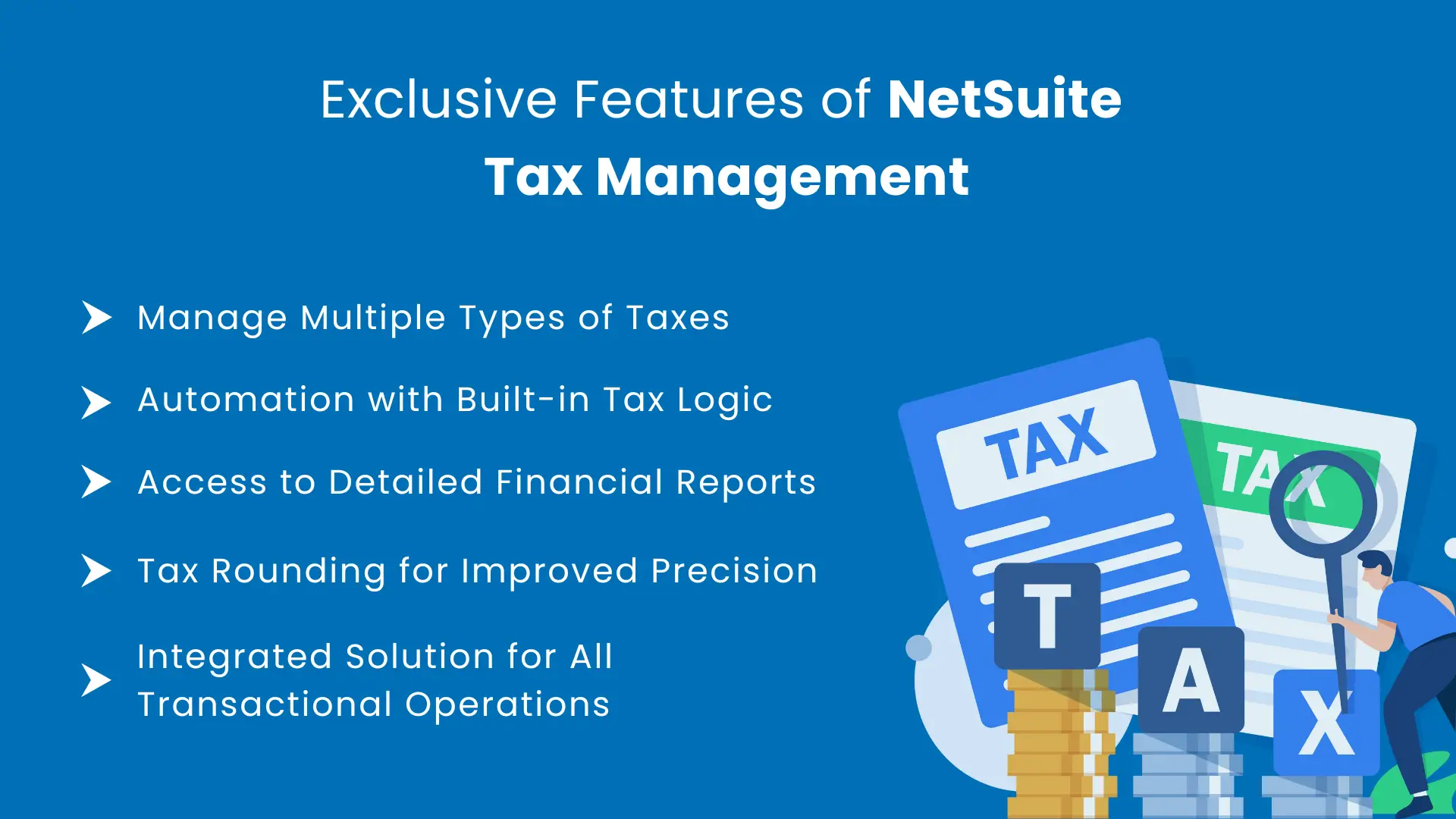
Various countries have different tax structures, making it difficult for e-commerce businesses to manage tax variations. With NetSuite, they can manage various taxes such as VAT, GST, state tax, county tax, and many more.
NetSuite has an in-built tax logic that lets businesses automate tax management processes. It can be any tax from any country. NetSuite can utilize automation to calculate taxes effectively without human intervention while maintaining accuracy.
NetSuite not only manages taxes and financial transactions efficiently but also provides detailed reports that have crucial data on business operations. Here are the following things they get with these reports:
Businesses can even configure these reports and leverage the framework to create their own reports for any country.
Every country has different tax calculation precision, and the tax has to be calculated accordingly. This is also a big transactional challenge that businesses face, which leads to losses. In the US and the UK, the tax is rounded up to four decimal places, and by default, it is set up to two decimal places. Businesses can customize this functionality as per their requirements based on the country they are operating in.
Tax management is a niche that comes under the financial operations of enterprises. What if enterprises get a comprehensive solution to manage all financial elements? It becomes easier for them if they get an integrated solution so they can effectively manage sales, billing, revenue, and payments. Therefore, NetSuite allows businesses to enhance both efficiency and accuracy with the integrated solution.
Utilizing NetSuite for tax management has multiple advantages that help businesses manage tax and transactions smoothly. Here are some of the benefits enterprises can get with NetSuite:
When it comes to tax management, it involves lots of complex calculations. This is not easy for businesses, especially when they are dealing globally, to do all these calculations manually. NetSuite helps enterprises utilize automation for tax management, which helps save time
International growth comes with various compliances to follow for fair trade practices. NetSuite enables businesses to stay compliant with all relevant government regulations and authorities, thereby avoiding potential legal hurdles. It makes their journey smooth and always accelerating forward.
One of the biggest hurdles in managing taxes is determining the correct rate for transactions. This is because these rates are subject to fluctuation. If there is a slight difference in applying accurate rates, the entire tax calculation can differ extensively, which can lead to huge losses. So it is a common query - can they even apply rates accurately? Absolutely yes! With NetSuite, they can apply accurate rates every time for every transaction.
NetSuite can be a bit on the expensive side, but its return on investment (ROI) is so good that it helps businesses reduce the overall costs of financial and tax management over a period of time. It is not like an organization cannot function without an ERP, but it would require more resources to manage the operation. Plus, there will always be chances of inaccuracies when the operations are manual.
We know that NetSuite offers detailed reports of the transactions. But the question is, how can they utilize these reports? Well, they can do real-time data analysis of the information obtained from these reports. It helps extract useful insights that are useful in making better decisions and changing business strategies.
Any e-commerce seller who manages the taxes in its online store and also utilizes NetSuite for order management must have faced the issue of tax variance in both platforms. But how can we manage this tax variance effectively to streamline the overall financial operations comprehensively? The answer is quite simple, though! They can utilize an efficient NetSuite integrator like Robust NetSuite Integrator by WebBee which can deploy the Tax Mapping functionality to overcome the challenge of tax variance. It is quite easy to do so as it requires only a few clicks. Let's see how Shopify sellers can do this using Shopify NetSuite integration. Just follow the path Setup >> Accounting >> Tax codes >> New after logging in to the NetSuite account. Further, create a new Tax Code and then copy the internal ID in the "Shopify NetSuite Tax Mapping" setting.
That is it! It is super easy to utilize Tax Mapping functionality with Robust NetSuite Integrator by WebBee app. Not only this, it also helps enterprises utilize several other NetSuite tax handling functionalities for easy and smooth transactional management.
Managing taxes is a complex yet crucial process for every business. NetSuite helps them manage taxes effectively, which helps overcome transactional challenges. Tax filing is down the line, which can be quite difficult with NetSuite. It offers various functionalities, but they often face implementation and integration issues. Hence, if you want to ease this process without getting into a technical fuss, opting for a NetSuite integrator can be a good decision.
Wait no more and switch to Robust NetSuite Integrator today! Contact Us and get connected with our team, who will guide you on how to implement Tax functionalities with ease.

.svg)